



Need CMS control? No problem. Need an ecommerce store? You got it. Just need an online presence? We got you.
Bespoke, white label and data feed driven product comparison is our bread and butter.
Developing powerful extensions to enhance your brand, for all leading web browsers.
Razor are one of the leading web development agencies around, boasting an enormous amount of collective experience in web and app development, as well as online marketing.
For the past ten years, we’ve been delivering complex web development projects, bespoke price comparison solutions and browser extensions to help promote off-site conversions. We love a challenge and focus on delivering results, something our clients will testify to!
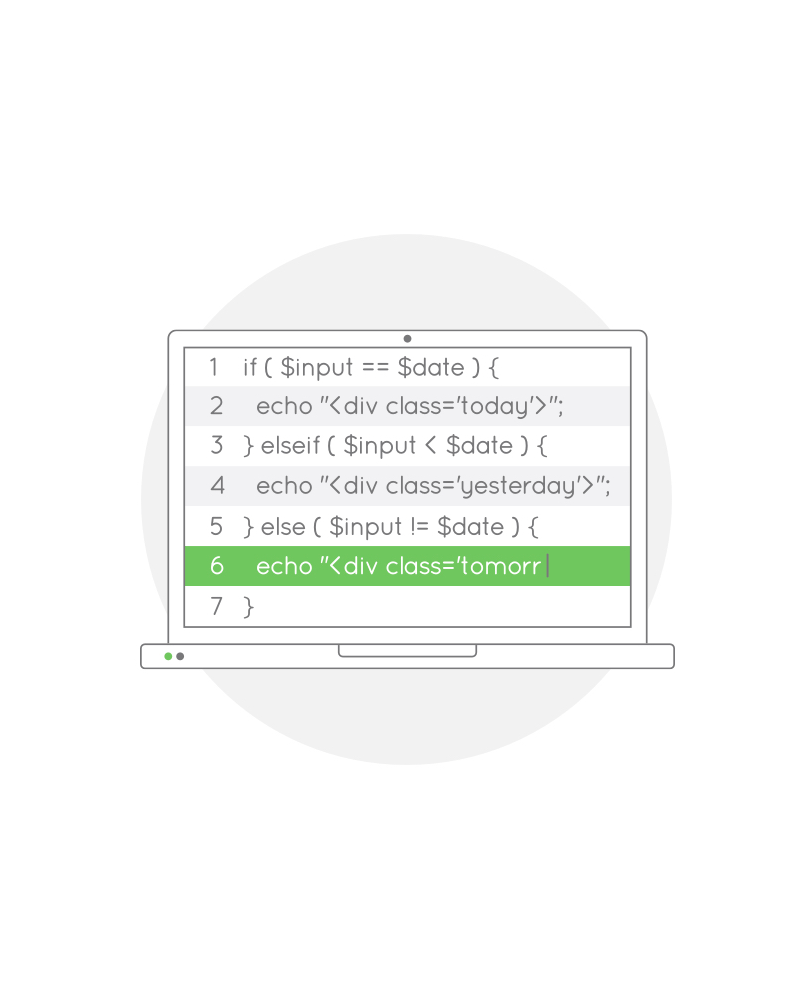
We love challenging development work that pushes the boundaries, and we pride ourselves on our ability to deliver complex briefs that require development beyond the typical brochure site.
Our favourite technologies and frameworks include Laravel, Angular, Node and Wordpress, so no matter if you’re looking for an innovative solution to a complex idea or just want your site to stand out thanks to exceptional design and functionality, Razor Creations can help.
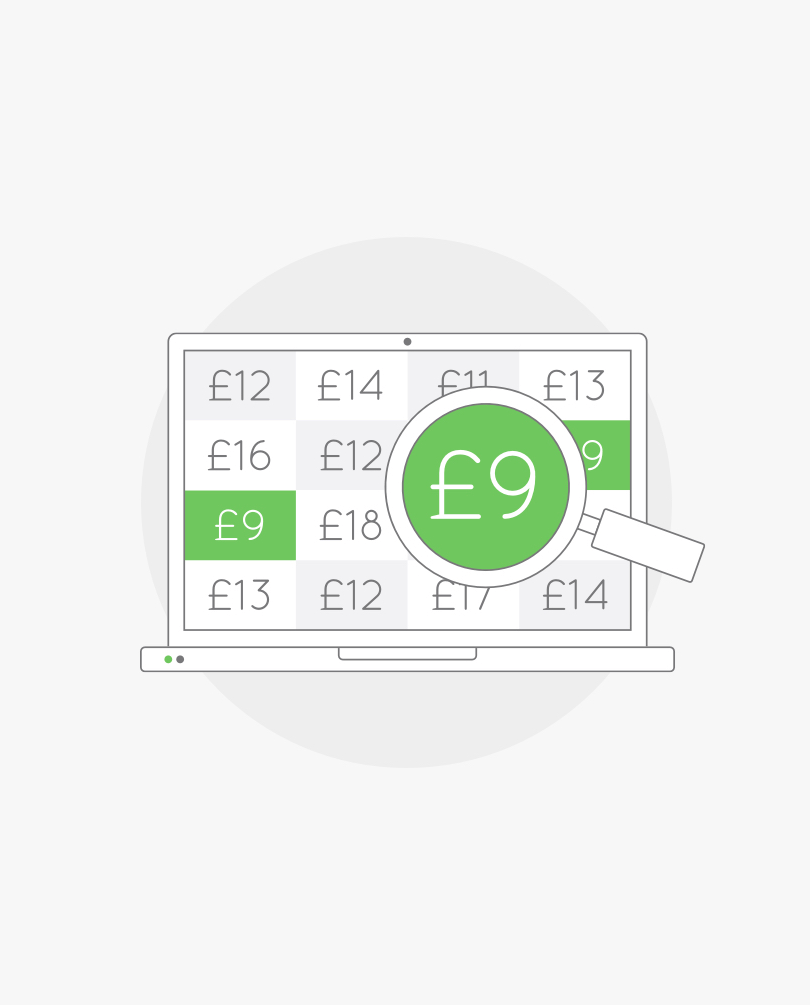
We have over 30 years’ of combined experience in developing cutting edge price comparison websites and tools, building solutions for clients as well as our own portfolio of industry-leading comparison sites.
Our flagship website Console Deals has grown into the UK’s biggest dedicated video gaming affiliate, and has been commended by major retail partners for the speed in which it can recognise and publish new deals.On the front end, our user experience offers unparalleled levels of customisation that means Console Deals stands out in a complicated market.
We’re now recognised as one of the leading developers of price comparison services in the UK. Why not see if we can do the same for you?

Razor have partnered with a number of clients to design, build, test and launch a full suite of browser extensions that not only help supplement the primary website channel, but increase conversions across the board.
Razor can handle anything your online presence might need, from minimalistic reminder/alert extensions to fully fledged dashboard/account integrations meaning you're always interacting with your userbase, regardless of whether they're currently using your site.
Below is a small selection of the projects we’ve worked on. If you'd like to see more please get in touch.
If you’d like to get in touch to discuss a project, or just want to ask for some advice, we’re happy to help. Please complete the form below and we'll get back to you.